How to Share Video
A practical guide to sharing video by link or file, choosing the right privacy settings, and sending review-ready links when you need clear feedback and approvals.

How to share video comes down to one decision: are you sending a watch link, a file link, or a review-ready link? Each option changes what the recipient can do (watch vs download), how private it is, and whether feedback stays organized.
What “share video” means (link vs file vs review link)
People say “share video” but mean different things:
Watch link: Opens a streaming player on a host. Best when the recipient only needs to view.
File link: Shares an MP4 (or project file) from cloud storage or a transfer service. Best for delivery, but check size limits and expiry.
Review link: Opens a review page built for feedback—time-coded comments, drawings on frames, and approvals.
Choose the best way to share video (by audience)
Use this quick filter to pick the right sharing method:
Sharing to a broad audience: Use a watch link with the right visibility (public or unlisted) and make sure playback works on mobile.
Delivering a file to a client: Use a file link with an expiry window and confirm the recipient can download without extra permissions.
Collecting feedback and approvals: Use a review-ready link so comments stay tied to the exact moment and version.
How to share video as a link (typical flow)
Most products follow the same steps:
Upload or select the video in your host, drive, or review tool.
Set visibility (public, unlisted, link-only, password, or restricted to named people).
Copy the share link and paste it into email, Slack, or your project brief.
Test the link in an incognito window so you know exactly what recipients see.
Privacy, permissions, and expiration
Permissions: “Anyone with the link” is convenient, but easy to forward. If the cut is sensitive, prefer invited emails or workspace access.
Expiration: Transfer links may expire quickly; cloud links can change when you move files. If the link needs to last, confirm the product’s policy.
Playback vs download: Decide whether recipients should be able to download the file or only stream it.
Share video for feedback and approvals (review-ready)
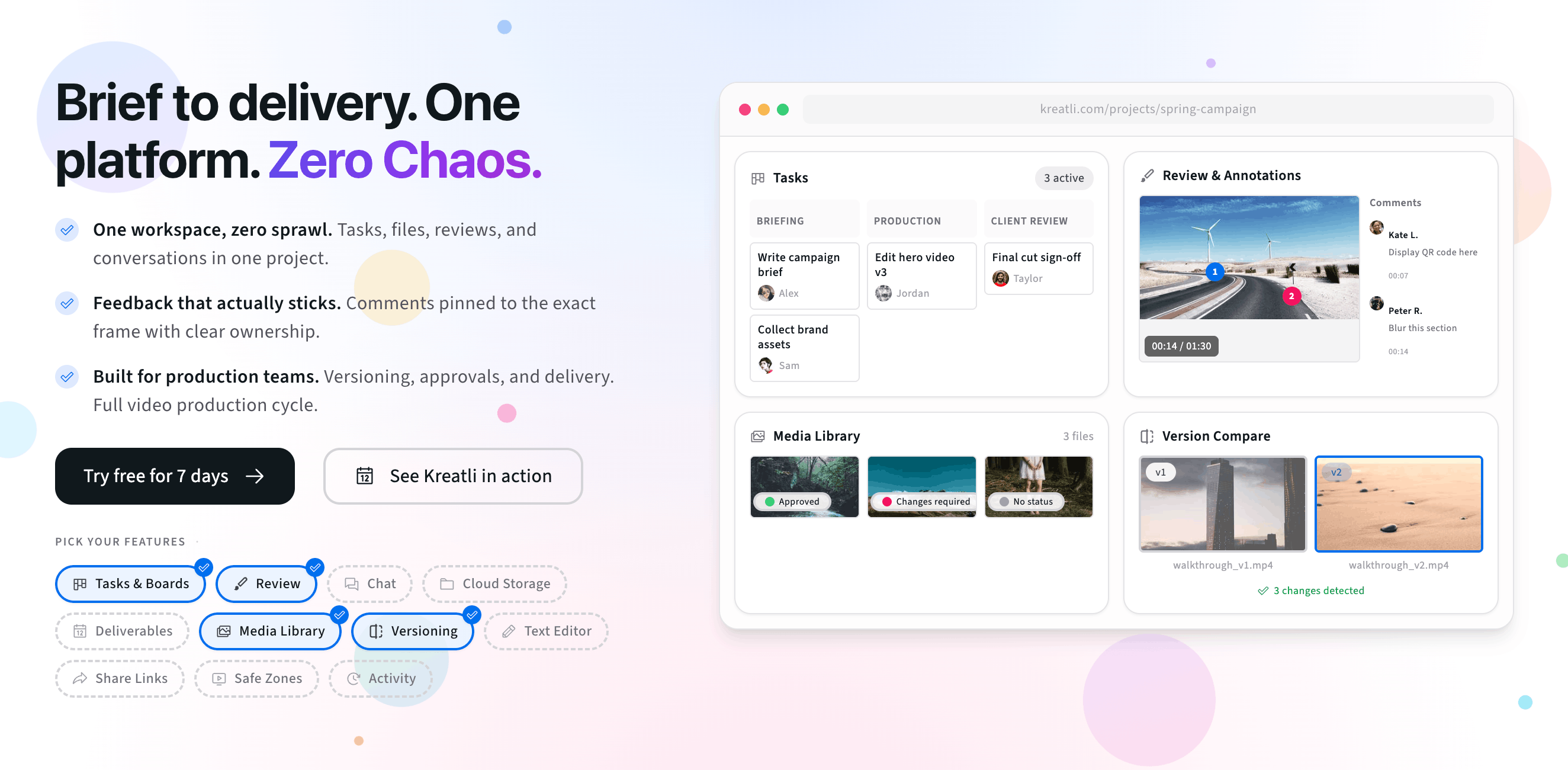
If your goal is “please watch this,” a watch link is enough. If your goal is “please tell me what to change and approve v3,” a review-ready link saves time. Kreatli’s approach is similar to our free video link generator workflow: share one URL, collect frame-accurate notes, and keep approvals tied to the file.
Try sharing video with a review-ready link
The interactive preview below mirrors a simple “share video by link” flow: add recipients, copy a share URL, and think through who should have access. When you are ready, start a 7-day trial or book a demo.
Free tools, guides, and platform features
Free tools that pair with sharing and review, plus related guides and platform features to explore next.
Free tools for sharing video
Try tools that complement link-based video sharing, review, and approvals.
Video Feedback Tool — Give frame-accurate feedback on videos with comments, annotations, and markup. Share review links with clients; recipients do not need a Kreatli account.
Video Reviewer — Review videos online with frame-accurate comments, visual annotations, and approval workflows. Share with clients; recipients do not need a Kreatli account.
Video Manager — Organize, store, and track video assets with version control and client share links. Manage feedback and approvals in one workspace.
Data Transfer Calculator — Calculate how long it takes to upload or download large files. Perfect for video editors and post-production teams.
More guides on sharing and delivery
Deeper reads on delivery workflows, large files, and client-friendly sharing.
How to Generate a Video Link for Free: Share, Watch, and Review-Ready Links
7 Ways to Share Large Video Files with Clients for Review and Approval
More resources
Capabilities that support secure sharing, annotation, and structured approvals.
Review & Approval — Frame-accurate revisions and approvals for video content. Streamline your feedback workflow.
Video Annotation — Add frame-accurate annotations, drawings, and markup directly to video frames. Pin comments to exact timestamps and collaborate with precise visual feedback.
Secure Asset Storage — Enterprise-grade storage for creative assets. Organize files, track versions, and protect your media with reliable infrastructure.
FAQ: How to share video
What is the best way to share video?
The best way to share video depends on your goal. For quick viewing, a watch link from a host is simplest. For delivery of the actual file, a cloud drive or transfer link is better. For client feedback and approvals, a review-ready link keeps comments tied to timecode and avoids confusing email threads.
How do I share video without it being public?
Use privacy modes like unlisted, link-only, or restricted access (invited emails). If the video is sensitive, add a password, limit downloads, and prefer expiring links. Always test the recipient experience in an incognito window to confirm what people can see without your login.
Why can’t someone open my video link?
Common causes are permission settings, expired links, or login walls. Cloud drive links can be restricted to your organization, and transfer links often expire by design. If you are sharing with clients, choose “anyone with the link” only when appropriate, and verify the link opens on a fresh browser session.
Is it better to share a file link or a watch link?
Watch links are best when the recipient only needs to view. File links are best when they need to download the asset, but they can add friction (large downloads, caps, or permission prompts). If you need feedback, a review link is usually best because it supports time-coded comments and approvals.
How do I share video for approvals and clear feedback?
Use a review-ready link that supports comments tied to timecode and keeps versions organized. That way, reviewers can say “change this at 00:32” with a pin, instead of vague notes like “around the middle.”
Still have questions?
Email support@kreatli.com and we will help you pick a sharing setup that fits your workflow.
Ready to share video the easier way?