How to Embed Video on a Website, in Your CMS, and for Client Review
A practical guide for marketers, creators, and agencies: classic iframe and CMS embeds, plus how review teams use Kreatli’s video embedder for embed-style links, frame-accurate feedback, and approvals.
How to embed video usually means you place a hosted player inside another webpage so visitors can watch without leaving the page. Most teams do this in one of two ways: pasting an iframe embed code from a host like YouTube or Vimeo, or using a CMS “video” block that pulls the URL via oEmbed. For creative workflows, you may instead share a review-ready link or embed-style review experience so clients can watch and leave frame-accurate feedback—see Kreatli’s embed video workflow for review and approvals.
What it means to embed a video
Embedding keeps playback inside your site or app while the file stays on a video host or review platform. The page loads a player (often an iframe) that streams the video from the provider’s servers.
Embed code (iframe): HTML copied from the host’s share or embed dialog.
oEmbed / CMS blocks: You paste a URL; the CMS requests embed HTML from the provider.
Hosted review player: A shareable page or embed-style experience for approvals—common for agencies and production teams reviewing cuts with clients.
How to embed video from common hosts
Exact buttons vary by product, but the pattern is the same across most hosts:
Upload or open the video on the host and confirm privacy settings (public, unlisted, or password-protected).
Open the share or embed panel and copy either the video URL or the iframe embed code.
In your CMS or site builder, add a video or embed block and paste the URL or code. Publish and test on mobile.
If you use WordPress, Webflow, Notion, or similar tools, prefer the native video block when available—it often handles responsive sizing better than raw iframe snippets.
Responsive layout, autoplay, and privacy
Responsive: Wrap fixed-size iframes in a responsive container or use the host’s responsive embed option so the player scales on phones.
Autoplay: Many browsers block sound-on autoplay; if you enable autoplay, expect muted playback and test across Safari and Chrome.
Privacy and cookies: Third-party players can set cookies or load trackers; use privacy-enhanced embed modes when your legal team requires it.
Embedding video for client review and approvals
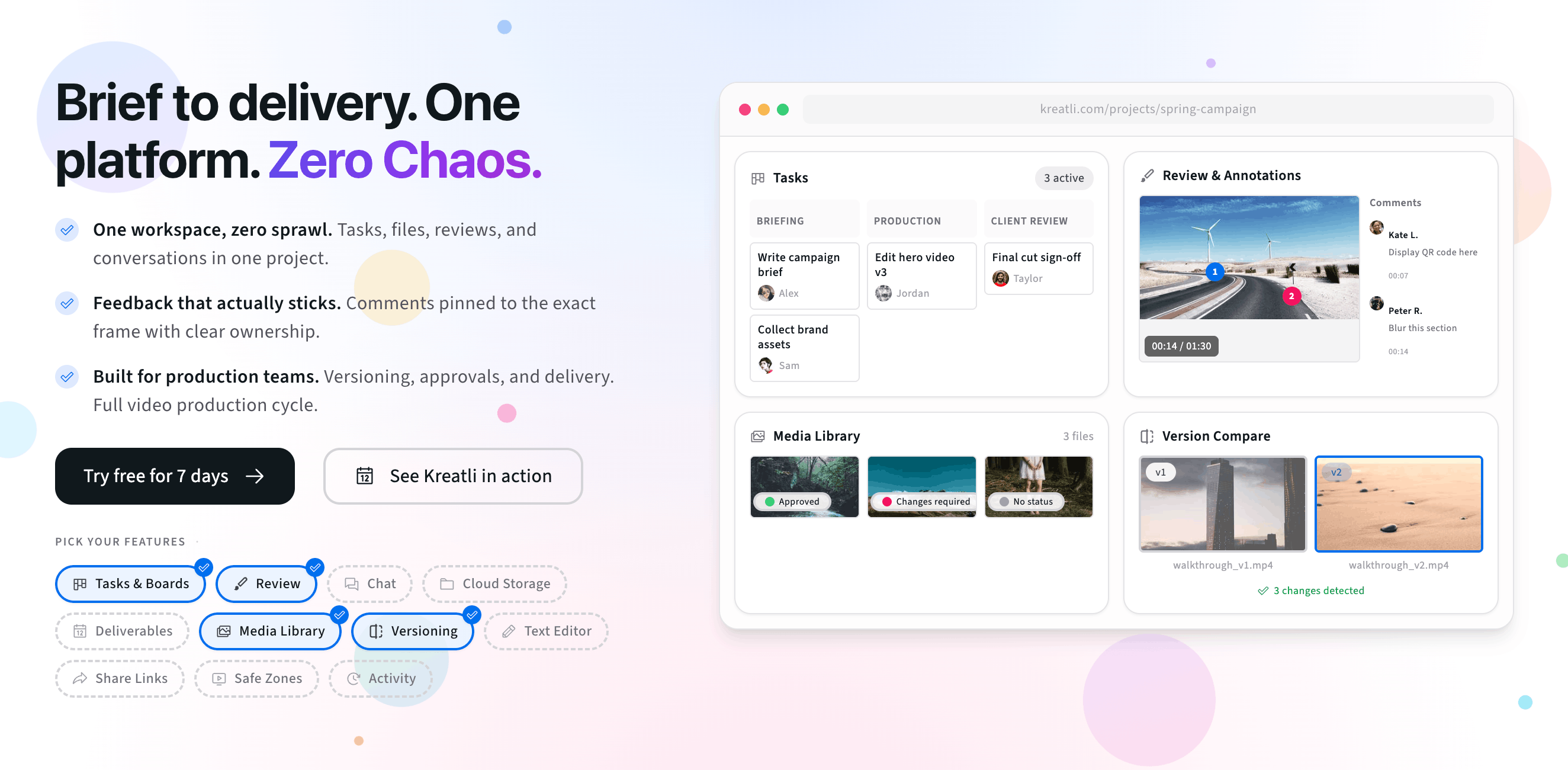
Marketing sites embed video for reach. Creative teams also need embed-like experiences for review: stakeholders open one link, watch in high quality, and comment without downloading files or juggling versions. Use Kreatli as your free video embedder for review: share embedded, review-ready video with frame-accurate comments, drawings, and approvals—matching the same workflow as our embed video platform page.
Try the review embed experience
The interactive preview below uses the same review UI as our platform page: upload a clip, scrub the timeline, and leave frame-accurate comments. When you are ready to go further, start a 7-day trial, book a demo, or read the embed video product tour.
Upload a video or image to get started
Drag and drop a file here, or click the button below
Embed Video in the Tools You Already Use
Drop review-ready video embeds into portals, intranets, docs, and workspaces so stakeholders can watch and comment where they already work—without breaking your feedback workflow.
Simple Embed Links: Turn any Kreatli video into an embed-style link you can drop into websites, client portals, LMS platforms, project hubs, or documentation. Embed video once and keep feedback centralized.
Responsive, Device-Friendly Embeds: Give viewers an embedded video experience that looks great on desktop, tablet, and mobile. Kreatli handles playback so your team does not have to manage multiple video players or file formats.
Embed Once, Keep Versions in Sync: Upload each new cut into Kreatli and keep using the same embedded experience. Behind the scenes, version history tracks which edit clients approved while stakeholders always see the latest review version.
Guest Access & Permissions: Control who can view, comment on, or approve each embedded video. Give clients frictionless guest access while keeping internal review rules, approvals, and permissions in your hands.
Embed Video Across Projects: Use embedded videos across campaigns, training programs, and product launches while keeping every file organized in Kreatli projects. Your teams embed once and reuse content wherever it is needed.
Secure Embedded Experiences: Keep embeds private to the audiences you choose while your source files stay protected in Kreatli. Share the convenience of embedded review without sacrificing security or control.
Why Use a Video Embedder for Reviews?
Embedding videos where stakeholders already work makes feedback faster, clearer, and easier to track—without adding extra tools or login friction to the process.
Centralized Feedback on Embedded Videos: Even when people review your work through an embedded video, every comment, drawing, and approval is stored in Kreatli. Editors always know which cut was approved and what still needs work, no matter where the review happened.
Faster Approvals Where Stakeholders Already Work: Let stakeholders review embedded videos inside tools they already use—portals, knowledge bases, or project spaces—so they can approve in minutes instead of waiting for attachments or new accounts.
No More Juggling Files or Links: Stop uploading the same video to drives, file-transfer tools, and different portals just to get feedback. Embed once from Kreatli and keep one source of truth for every file, comment, and approval.
Clarity on Who Watched and Responded: Keep a clear record of who left feedback or approved each embedded video. While viewers enjoy a simple, embedded experience, your team sees the full context of participation inside Kreatli.
Free tools, guides, and platform features
Below are free tools that pair with embedded video review, guides that go deeper on workflow, and related platform areas you may want to explore next.
Free tools for video teams
These free tools complement embed-style review: link sharing, frame-accurate feedback, and lightweight project organization.
Video Reviewer — Review videos online with frame-accurate comments, visual annotations, and approval workflows. Share with clients; recipients do not need a Kreatli account.
Video Feedback Tool — Give frame-accurate feedback on videos with comments, annotations, and markup. Share review links with clients; recipients do not need a Kreatli account.
Video Manager — Organize, store, and track video assets with version control and client share links. Manage feedback and approvals in one workspace.
Safe Zone Checker — Preview where UI overlays appear on Instagram Reels, TikTok videos, and YouTube Shorts to ensure your content stays visible.
See how embedded video review works in practice
These guides and resources expand on review, approvals, and collaboration with Kreatli.
More resources
Platform capabilities that support video review, annotation, secure storage, and embedded collaboration workflows.
Review & Approval — Frame-accurate revisions and approvals for video content. Streamline your feedback workflow.
Video Annotation — Add frame-accurate annotations, drawings, and markup directly to video frames. Pin comments to exact timestamps and collaborate with precise visual feedback.
Secure Asset Storage — Enterprise-grade storage for creative assets. Organize files, track versions, and protect your media with reliable infrastructure.
FAQ: How to embed video
Is an embed the same as a share link?
Not exactly. A share link opens the video on the host’s site or in a review app. An embed places the player inside your own page. Many video and review tools offer both.
Do clients need accounts to review an embedded video?
It depends on the platform. Kreatli supports guest-friendly review links so clients can watch and comment without signing up, while your team keeps versions and approvals in one workspace.
What is the safest way to embed video on a marketing page?
Use your CMS video or embed block with a URL from a reputable host, serve the page over HTTPS, avoid autoplay with sound unless you have a good reason, and test on mobile networks.
What does a video embedder do in Kreatli?
In Kreatli, a video embedder lets you turn any review-ready video into an embeddable experience you can drop into portals, intranets, LMS platforms, and shared pages. Instead of uploading the same file to multiple tools, you generate an embed-style link that opens Kreatli’s player with frame-accurate comments, approvals, and version history built in. Viewers see a clean, embedded video experience, while your team keeps all feedback and assets centralized in Kreatli.
Can I embed videos on my website or client portal with Kreatli?
Yes. You can use Kreatli to embed video review experiences anywhere you share content with stakeholders—client portals, internal dashboards, documentation hubs, and more. You share an embed-style link or dedicated review page, and stakeholders can watch the video, leave feedback, and approve cuts without leaving the environment they already use. This makes embedded video review feel like a native part of your existing workflows instead of another tool to log into.
Do embedded videos still support frame-accurate comments and approvals?
Yes. Every embedded video experience powered by Kreatli keeps full support for frame-accurate comments, drawings, and approvals. When a viewer watches your embedded video, they can pause on any frame to leave precise feedback that is pinned to that exact timestamp. All of that feedback is stored in Kreatli alongside versions and approvals, so your editors never lose context—even when reviews happen through embeds.
Is there a free way to embed video with Kreatli?
Kreatli offers a free way to get started with embedding videos for client and stakeholder review. You can upload videos, generate review-ready links, and share embedded experiences so people can watch and comment without downloading files. As you grow, paid plans unlock higher limits, advanced permissions, and additional collaboration features while keeping your core embed workflows the same.
Are embedded videos secure and private?
Yes. All videos you embed through Kreatli are protected by secure infrastructure and access controls. Underlying files are encrypted at rest and in transit, and you can decide who is allowed to view, comment on, or approve each embedded video experience. This gives you the convenience of shareable embeds with the security and control required for agency, in‑house, and studio work.
Can non-technical clients use embedded videos to review content?
Absolutely. Embedded video review experiences in Kreatli are designed to be frictionless for non-technical stakeholders. Clients simply open the embedded video, press play, and leave comments or approvals using intuitive controls—no software to install and no editing terminology required. This makes it easy to bring busy executives, subject-matter experts, and brand teams into the review process without slowing projects down.
Still have questions?
Reach us at support@kreatli.com to talk through embedded video review for your workflow.
Ready to see how it works?